
A small-business website does not need to be enormous. It needs to be useful.
That sounds obvious, but websites have a habit of growing like the drawer where we keep spare cables. Nobody remembers why half the contents are there, yet throwing anything away feels strangely dangerous.
The right number of pages depends on what your business offers, what customers need to know, and what you want them to do next. A local plumber, a restaurant, an online shop, and a nonprofit should not have identical websites. They serve different people and ask visitors to take different actions.
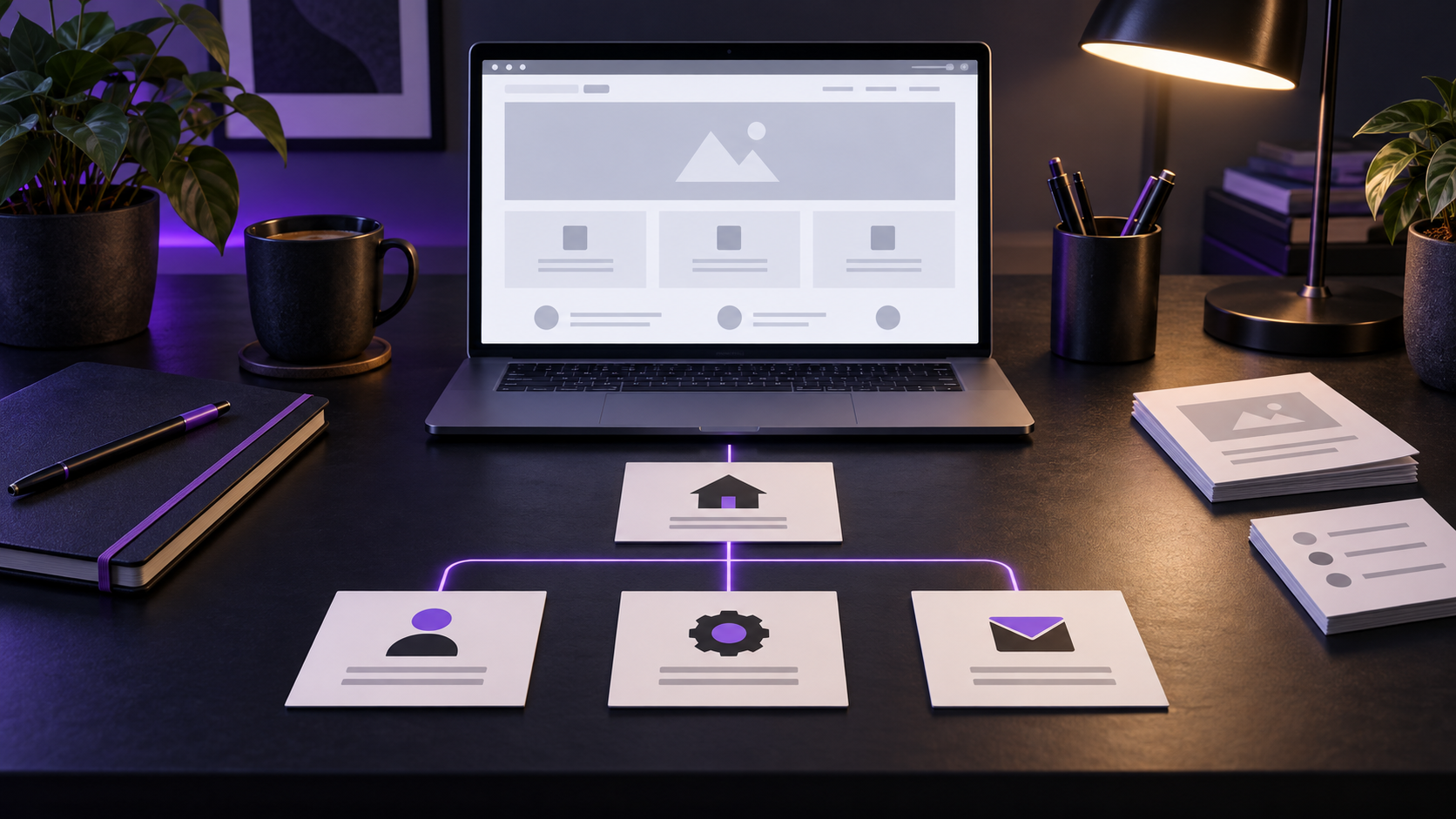
Still, most small-business websites benefit from the same core group of pages. From there, you can add pages that support the way your particular business operates.
Start With the Customer Journey
Before making a page list, think about the questions a customer asks while deciding whether to contact or buy from you:
- Am I in the right place?
- Does this business provide what I need?
- Can I trust these people?
- How much will this cost, or how do I get an estimate?
- What should I do next?
Your pages should answer those questions in a sensible order. If a page does not help a visitor understand the business, make a decision, or complete an action, it may not need to exist.
This is also why copying another company’s navigation menu is risky. Their website may look impressive, but their customers, services, and goals may be entirely different. They may also have copied it from someone else, and now everybody is following a map drawn by a stranger.
For a broader look at planning, designing, launching, and maintaining an effective website, read the Complete Small-Business Website Guide.
The Core Pages Most Small Businesses Need
Homepage
The homepage should quickly explain who you are, what you provide, who you help, and where you operate. It should then guide visitors toward the information or action most likely to matter.
A homepage does not need to tell the entire story. Its job is to orient people and send them in the right direction. A strong homepage usually includes:
- A clear headline describing the business
- A brief explanation of the main services or products
- A reason to trust the business
- Links to important pages
- A visible call to action
If visitors have to study the logo, inspect three stock photos, and consult a retired detective to determine what the company does, the homepage needs clearer wording.
About Page
The About page gives people a reason to trust the business behind the website. It can explain your experience, values, history, team, or approach. The exact emphasis depends on what customers need to feel confident choosing you.
Small-business owners sometimes treat this page as a formal biography. Customers are usually more interested in what your background means for them. Instead of listing every milestone since the invention of indoor plumbing, connect your experience to the service you provide today.
Authentic photographs are helpful when appropriate. People like knowing there are actual humans behind a company, particularly when they will be inviting those humans into their home, trusting them with an important project, or handing them money.
Services or Products Page
Your Services or Products page should explain what you offer in language customers understand. Internal terminology may be efficient around the office, but visitors cannot choose a service if they do not know what it means.
For a business with a few straightforward offerings, one main page may be enough. If each service answers different questions or targets a different kind of customer, separate service pages can provide more useful detail and help search engines understand the website.
Each important service page should explain:
- What the service is
- Who it is for
- What problem it addresses
- What the process generally involves
- What the visitor should do next
Product-based businesses may need categories, individual product pages, availability information, shipping details, and return policies instead. The principle remains the same: make it easy to understand what is being offered and how to obtain it.
Contact Page
A Contact page should make reaching the business simple. Include the methods you actually monitor, such as a phone number, email address, contact form, physical address, or appointment link.
This page may also include business hours, a service area, directions, parking instructions, and a brief explanation of what happens after someone submits the form.
Do not make people complete a form that feels like a mortgage application merely to ask whether you repair screen doors. Request the information you need to respond intelligently, and save the interrogation for later.
Privacy and Policy Pages
Most business websites collect at least some information through contact forms, analytics, purchases, newsletter signups, or appointment tools. The site should include the privacy and policy information appropriate to those activities.
An online store may also need shipping, return, refund, and terms pages. A service business may need terms, disclaimers, or cancellation information. The exact requirements depend on what the website collects and does, as well as the laws that apply to the business. A web designer can help organize these pages, but legal advice should come from a qualified professional.
Frequently Asked Questions
An FAQ page is not mandatory for every business, but it is useful often enough to sit near the core list. It can answer questions that repeatedly delay a decision, such as service areas, timelines, deposits, appointments, preparation, warranties, or what customers should expect.
The best FAQ questions come from real conversations with customers. Avoid filling the page with questions nobody has asked simply because the navigation menu looked lonely.
Important answers should also appear where visitors naturally need them. An FAQ page should support the rest of the site, not become a storage room for essential information.

Pages That Depend on the Business
After the core pages are covered, the right additions depend on the business model. These pages can be valuable, but they should earn their place.
Testimonials and Reviews
Testimonials can reduce uncertainty by showing how previous customers describe their experience. A dedicated page works well when you have enough strong material, although placing selected testimonials near the relevant services is often even more persuasive.
Portfolio or Project Gallery
Designers, builders, photographers, landscapers, contractors, and other project-based businesses benefit from showing completed work. A useful portfolio explains the customer’s need, the work performed, and the outcome. A collection of unexplained images may look attractive, but it leaves visitors to invent the story themselves.
Individual Service Pages
Separate pages make sense when services differ substantially or when customers search for them separately. A heating and cooling company, for example, may need distinct pages for installation, repairs, maintenance, and indoor air quality.
Do not create dozens of thin pages that repeat the same paragraph with a different service name inserted. Each page should contain enough specific information to help a real customer.
Location and Service Area Pages
A business serving multiple communities may benefit from useful location or service-area pages. These should contain genuinely relevant information about the area, available services, and how customers are served there.
Creating fifty nearly identical pages and swapping the town name is not a local SEO strategy. It is mail merge wearing a fake mustache.
Location pages can support local visibility, but they are only one part of the picture. If your website seems absent from search altogether, start with Why Isn’t My Business Showing Up on Google?
Restaurant Pages
Restaurants commonly need a menu, location and hours, reservation or ordering information, catering details, and an events page when applicable. Menus should be readable on a phone and preferably available as normal webpage content rather than only as a PDF that requires pinching, zooming, and a steady hand.
Online Store Pages
E-commerce websites need product and category pages, a cart, checkout, customer-service information, shipping and return policies, and clear contact options. Depending on the products, they may also need sizing guides, care instructions, subscriptions, or account pages.
Appointment and Booking Pages
Businesses that rely on scheduled services may need a booking page that explains what can be booked, how long appointments take, what they cost, and how cancellations work. A calendar alone is not always enough; customers need context before choosing a time slot.
Nonprofit and Community Organization Pages
Nonprofits often need pages explaining their mission, programs, impact, volunteer opportunities, donation options, leadership, financial accountability, and ways to receive help. The website must serve donors, volunteers, partners, and community members without forcing all four groups down the same path.
Blog or Resource Center
A blog can answer customer questions, demonstrate experience, support search visibility, and provide material for newsletters or social media. It is worthwhile when the business can publish useful information with some consistency.
A blog that received two posts in 2019 and has spent the intervening years gathering digital dust does not inspire confidence. If regular publishing is unrealistic, a smaller evergreen resource section may be a better choice.
Careers Page
Businesses that hire regularly may benefit from a Careers page describing available roles, workplace expectations, benefits, and the application process. If hiring is occasional, a simple section or temporary page may be sufficient.
Can a One Page Website Be Enough
Yes. A one-page website can work for a new business, a simple local service, a temporary campaign, or a company with one clear offering. It can introduce the business, summarize the service, build trust, and provide contact information without unnecessary complexity.
The limitation is room to grow. As services expand, questions multiply, or search visibility becomes more important, one long page can become difficult to navigate and too broad to address individual topics well.
Starting small is perfectly reasonable. Starting vague is not. One focused page with clear information is more useful than eight pages of filler written to satisfy an imaginary page quota.
How Many Pages Should Your Website Have
There is no prize for having the largest website in town. Page count is not a quality score.
A small service business might begin with five to eight strong pages. A restaurant could need fewer or more depending on ordering, catering, and events. A nonprofit may need several different paths for people seeking help, volunteering, or donating. An online store may have hundreds of product pages generated through its catalog.
The better question is whether every important customer has a clear path to the information and action they need. If the answer is yes, the website is probably the right size. If visitors must hunt through unrelated pages, or important services are squeezed into a single vague paragraph, the structure needs work.
Review the Pages You Already Have
If your website has been online for several years, you may not need to add pages. You may need to improve, combine, reorganize, or remove them.
Review each page and ask:
- Does this page serve a clear purpose?
- Is the information accurate and current?
- Can visitors reach it through sensible navigation?
- Does it answer the questions customers actually ask?
- Does it provide a clear next step?
- Is another page already doing the same job better?
When outdated content is accompanied by poor mobile usability, confusing navigation, slow loading, or declining results, review the seven signs your small-business website may need a redesign.
Old staff biographies, discontinued services, duplicate pages, broken forms, and outdated policies make a website harder to trust and maintain. Removing unnecessary material can improve a site just as much as adding something new.
Build the Website Around Real Decisions
Most small businesses need a clear homepage, an About page, useful service or product information, an easy Contact page, and the policies appropriate to the website. An FAQ page is often valuable. Everything else should reflect how the business earns trust, serves customers, and completes transactions.
The goal is not to check boxes on a universal website list. It is to give each visitor the information needed to make a confident decision without sending them on an archaeological expedition through the navigation menu.
If you are unsure whether your website is missing an important page, carrying too many outdated ones, or simply organizing the right information in the wrong places, PC Web Studio can take an honest look at it.