
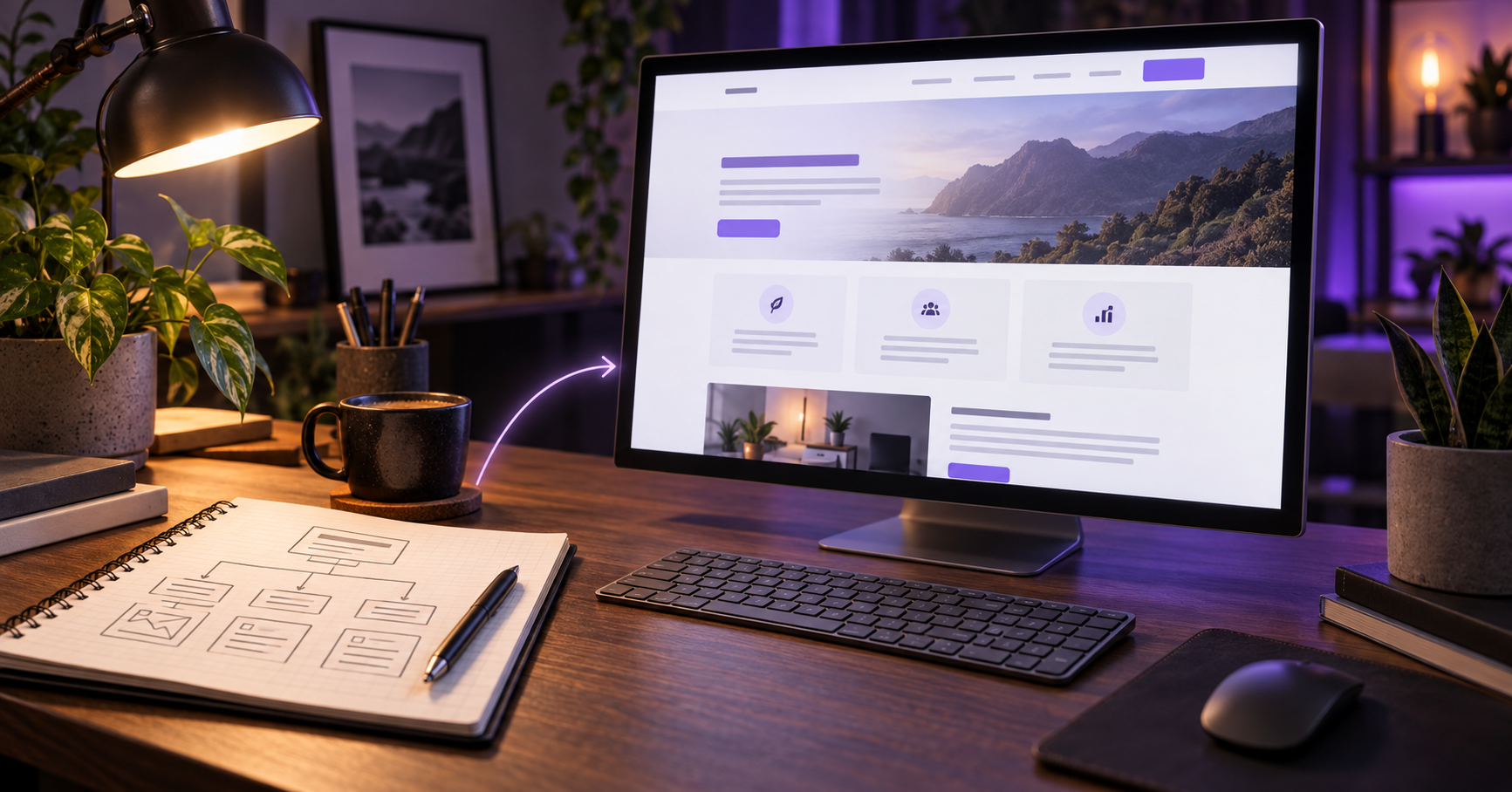
How to plan build and improve a website that actually helps your business
Your business website has a job. Actually, it has several jobs. It should introduce your company, explain what you do, earn a little trust, help people find you, and make it easy for them to take the next step. Looking attractive is certainly part of the assignment, but it is not the entire job description.
I have spent most of my life around technology, starting back when getting a computer to do something useful occasionally required a stack of manuals, a screwdriver, and the patience of a saint. The tools have improved since then. The basic lesson has not: technology works best when it quietly helps people instead of making them feel foolish.
That is what a good small-business website should do. It should work quietly in the background, helping customers understand your business and helping you grow it. You should not need a computer science degree to manage it, and your customers should not need a treasure map to find your phone number.
This guide explains the major decisions involved in building or improving a small-business website. You will not find much technical wizardry here. Wizardry is impressive at parties, but clarity tends to be more useful in business.
Start With the Job of the Website
Before choosing colors, photographs, fonts, animations, or any of the shiny things that tend to distract us, decide what the website is supposed to accomplish.
An established business may need its website to generate inquiries, book appointments, bring customers into a physical location, sell products, answer routine questions, or reassure potential customers that the company is legitimate and capable. Most business websites do several of these things, but one or two goals should take priority.
Ask yourself:
• Who are the people I most want to reach?
• What problem are they trying to solve?
• What do they need to know before they will contact or buy from me?
• What is the most important action I want them to take?
• What makes my business a better fit than the alternatives?
These questions are less exciting than picking a color palette, but they prevent expensive confusion later. A website built without clear goals often becomes a collection of pages that are technically present but not particularly helpful, rather like a junk drawer with a navigation menu.
Understand Who Is Visiting
You know your business. Your customers usually do not. That sounds obvious, but it is one of the most common causes of weak website content.
Business owners naturally use the language of their trade. Customers use the language of their problem. A contractor may talk about materials and installation methods. The homeowner may be searching for someone who can stop the roof from leaking before the next storm. Both are discussing the same service, but only one of them is standing in the hallway with a bucket.
Write for the person with the bucket.
Good website copy answers practical questions in ordinary language: What do you do? Who do you help? Where do you work? What does the process look like? Why should someone trust you? What should they do next? You can still demonstrate expertise. Just do it without making readers translate every paragraph.
Choose the Right Kind of Website
Not every business needs the same website. A local restaurant, a charitable organization, a consultant, and an online retailer all need different tools.
A service business may need strong service pages, a contact form, testimonials, and a clear service area. A restaurant may need menus, hours, directions, and ordering or reservation links. A nonprofit may need program information, volunteer opportunities, donation tools, and evidence of its impact. An online store needs product organization, secure checkout, shipping information, and a plan for managing inventory.
The correct website is not the one with the most features. It is the one with the right features. Every added feature brings some combination of cost, maintenance, training, and opportunities for something to misbehave at 4:47 on a Friday afternoon.

Plan the Pages People Actually Need
Most small-business websites need a handful of core pages. The exact names may vary, but their purposes remain fairly consistent.
The homepage
Your homepage should quickly explain who you are, what you offer, who you serve, and what a visitor should do next. It is not required to tell your entire life story before the first button. Think of it as the front desk: welcoming, informative, and capable of pointing people in the right direction.
The services or products pages
These pages should explain each important offering clearly enough that a customer can recognize whether it fits their needs. Whenever possible, focus on outcomes as well as features. Customers care about what you do, but they care even more about what changes for them afterward.
The about page
A good About page builds confidence. Explain the experience, values, and people behind the business. This does not have to read like a corporate biography written by a committee. Small businesses have an advantage here: real people are more memorable than carefully polished paragraphs about synergy.
The contact page
Make contacting you simple. Include the methods you genuinely monitor, along with hours, service area, directions, or other useful details. If your preferred method is a phone call, say so. If you rarely check social-media messages, do not present them as the fastest path to civilization.
Frequently asked questions
An FAQ can answer common concerns, explain policies, and save everyone time. The best questions are the ones customers really ask, not the ones a business wishes they would ask because the answers sound impressive.
Proof and trust pages
Testimonials, reviews, case studies, portfolio examples, certifications, community involvement, and clear policies all help visitors decide whether they are comfortable doing business with you. Use the forms of proof that suit your industry, and keep them honest.
Give Every Visitor a Clear Path
A website should feel easy to navigate even when the visitor is distracted, tired, in a hurry, or using a phone with one hand while holding a cup of coffee in the other. In other words, it should be designed for actual human beings.
Keep the main navigation short and descriptive. Use headings that tell readers what a section contains. Put important contact information where people expect to find it. End key pages with a sensible next step.
If navigation, mobile usability, speed, and outdated content have become recurring problems, these seven signs can help you decide whether your website needs a redesign
That next step is usually called a call to action. It might be:
• Request an estimate
• Schedule a consultation
• Call now
• View our services
• Get directions
• Make a reservation
• Donate or volunteer
A call to action is not pushy when it is useful. Visitors came to the website for a reason. Helping them complete that reason is good service.
Make It Work on Phones
Your website needs to work well on phones, tablets, laptops, and desktop computers. This is called responsive design. The term sounds technical, but the idea is simple: the page should adapt to the screen instead of forcing the visitor to pinch, zoom, and mutter things that cannot be printed in a family-friendly blog.
A mobile-friendly website needs readable text, buttons large enough to tap, uncluttered menus, forms that are not painful to complete, and images that fit properly. The important information should appear early, because mobile visitors are not always interested in a scenic tour of the page before finding your hours.
Mobile design is not merely a smaller version of desktop design. It requires deciding what matters most when space and attention are limited.
Do Not Make People Wait
Website speed matters because patience is not one of the internet’s more abundant natural resources. If a page takes too long to load, some visitors will leave before seeing it.
Large images are frequent offenders. Modern cameras and phones create enormous photographs, which are excellent for printing and unnecessarily heroic for displaying at six inches wide on a webpage. Images should be resized and compressed for the job they are doing.
Hosting quality, plugins, video, tracking scripts, animations, and the way a site is built can also affect performance. The goal is not to chase a perfect score simply for bragging rights. The goal is a website that feels quick and dependable to the people using it.
Build Search Visibility Into the Website
Search engine optimization, usually shortened to SEO, helps search engines understand your website and helps the right people discover it. It is not a bag of secret tricks, and anyone promising guaranteed first-place rankings should cause at least one eyebrow to rise.
Good SEO begins with a website that has clear subjects, useful information, descriptive page titles, logical headings, understandable addresses, and links connecting related pages. Search engines also need to access the site properly, while visitors need pages that work well on mobile devices and load reliably.
If your website seems to have disappeared from search altogether, start by understanding why a business may not be showing up on Google
For a local business, your location and service area matter. Your business name, address, phone number, hours, Google Business Profile, and website should present consistent information. Service pages should explain what you offer in the communities you actually serve without producing dozens of nearly identical pages that replace a town name and call it a day.
Most importantly, write for customers first. Search engines have become much better at recognizing useful content, while people have always been excellent at recognizing awkward writing created for an algorithm.
Use Clear Consistent Branding
Branding is more than a logo. It includes your colors, typography, photographs, tone of voice, signs, printed materials, social profiles, and the overall feeling people associate with the business.
Your website should feel like the same company customers encounter elsewhere. Consistency helps people recognize you and makes the business feel established. This does not mean every item must be identical. It means the pieces should look as though they are related and on speaking terms.
A professional designer can help create that consistency, but even a modest business can improve its presentation by using a limited set of colors, a small number of readable fonts, good-quality images, and the same core message across its materials.
Earn Trust Instead of Merely Claiming It
Almost every website says the business provides excellent service. Fewer websites show why a visitor should believe it.
Trust can come from customer reviews, detailed testimonials, photographs of real work, case studies, professional affiliations, clear guarantees, years of experience, community involvement, or a straightforward explanation of your process. Choose evidence that is appropriate for your business.
Keep contact information current. Use secure connections. Explain what happens after someone submits a form. Avoid vague promises and stock photographs that bear no resemblance to the people or place involved. A polished website helps, but accuracy and honesty do more of the heavy lifting.
Remember Accessibility
An accessible website is easier for more people to use, including visitors with visual, hearing, mobility, or cognitive disabilities. Many accessibility improvements also make the site better for everyone.
Use readable text, strong color contrast, descriptive headings, meaningful link labels, alternative text for informative images, captions where needed, and properly labeled forms. Make sure the website can be navigated without requiring precise mouse movements.
Accessibility is not a decorative extra to consider if time remains. It belongs in the planning, design, writing, and testing process. It is also much easier to build sensible accessibility into a website than to bolt it on later after everything has been arranged in the digital equivalent of wet concrete.
Test Before You Launch
Before publishing a new or redesigned website, test it like someone who has never seen it before. Better yet, ask a few actual people who have never seen it before.
Check the following:
• Every navigation link and button
• Contact forms and confirmation messages
• Phone numbers, email addresses, hours, and directions
• Pages on several screen sizes
• Spelling grammar and outdated information
• Image quality and loading speed
• Page titles and search descriptions
• Secure HTTPS connections
• Analytics, search tools, and backups
Submitting a test form is particularly important. A form that looks beautiful but sends inquiries into the void is a very elegant way to lose business.
Understand What You Are Paying For
Website pricing varies because websites vary. The number of pages matters, but so do custom design, writing, photography, e-commerce, booking systems, integrations, branding, SEO, accessibility work, and the amount of information that must be organized.
When comparing proposals, look beyond the final number. Ask what is included, who provides the content, how revisions work, whether you own the finished website, what ongoing costs exist, and what happens after launch.
The cheapest website can become expensive if it needs to be rebuilt, never appears in search, or creates more work than it saves. The most expensive proposal is not automatically the best, either. You are looking for an appropriate solution, a clear process, and someone who understands what the business is trying to accomplish.
Plan for Life After Launch
Websites are not slow cookers. You cannot set one up, walk away for six years, and reasonably expect everything to remain fresh.
A website needs periodic attention. Software must be updated. Backups should be checked. Forms and links need testing. Services, employees, hours, prices, and photographs change. New customer questions create opportunities for better content. Analytics can reveal which pages people use and where they get lost.
Ongoing maintenance does not have to consume your week. A simple schedule and a responsible person can prevent most unpleasant surprises. The important part is deciding who owns the task instead of assuming the website will develop a sense of personal responsibility.
Decide Whether to Build It Yourself
A do-it-yourself website can be a reasonable choice when the budget is limited, the site is simple, and the owner has time to learn. Modern site builders can produce respectable results, especially for a new business that is still testing its direction.
Professional help becomes more valuable when the website needs to generate leads or sales, organize a large amount of information, support search visibility, integrate with other systems, or represent an established business whose time is worth more elsewhere.
The honest question is not simply, “Can I build this myself?” You probably can. Given enough time, instructional videos, and coffee, people accomplish remarkable things. The better question is whether building and maintaining it is the best use of your time, and whether the result will support the business as well as it should.
Build With Purpose
A successful small-business website brings several things together: clear goals, useful content, thoughtful design, dependable performance, search visibility, accessibility, and ongoing care. None of these requires the owner to become a full-time technologist. They require planning, good decisions, and a willingness to see the website through the customer’s eyes.
Your website should reflect the quality of the business you have already built. It should answer questions, remove uncertainty, and make the next step easy. When it does those things well, it becomes more than an online brochure. It becomes a working part of the business.
If you are planning a new website, considering a redesign, or wondering whether your current site is still doing its job, PC Web Studio can help you sort through the options and build a practical plan. No mysterious jargon required.
Let’s talk about your website and build a practical plan without the mysterious jargon.